


Introduction
Oracle SQLcl (SQL Developer Command Line) is a Java-based command-line interface for Oracle Database. It is a replacement for SQL*Plus wich more options like inline editing, statement completion and command recall. No need to worry about download and installation in a Oracle Database server installation. Just activate the command and go.
Activation
In oracle 21c, when you go in $ORACLE_HOME/sqldeveloper/sqldeveloper/bin/ you have the program sql
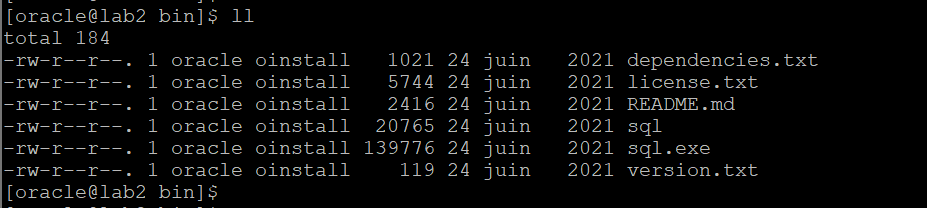
You can notified that it’s not executable. So you can make it executable with the following syntax:
$ chmod +x sql
Now you can call the program with the following command:
./sql /nolog
The version of SQLcl install directly in Oracle database 21c is the 21.2. It’s not the last one, we recommend to download and install the last one from Download
Use
If you have configured the operating system environment variables and added the $ORACLE_HOME/bin in the PATH, you can directly call sql
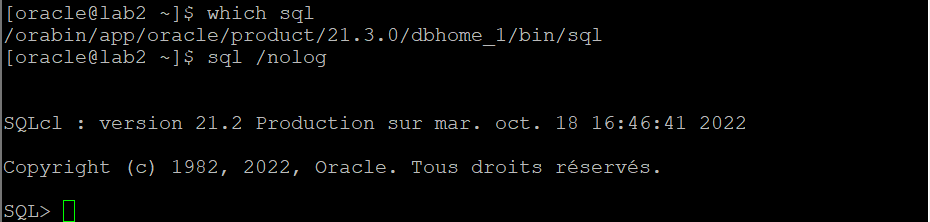
What is the link with the first one we have made executable?
When we open the file, we see that the program in $ORACLE_HOME/bin just execute what we have activated.

Conclusion
Summing up, now you can use SQLcl in your new installation of Oracle Database.
SQLcl has more options thant SQL*Plus so you can use it like your default tool to administrate your Oracle databases.
If you have any questions or issues with this process, let me know in the comments below.
